Creative Project Management: Software Solutions to Streamline Workflows in 2026
Creative project management software helps teams organize, track, and deliver work efficiently, without disrupting the creative process. Choosing the right tool involves considering features like automated intake, centralized approvals, customizable projects, integrations, and personalized visualizations.
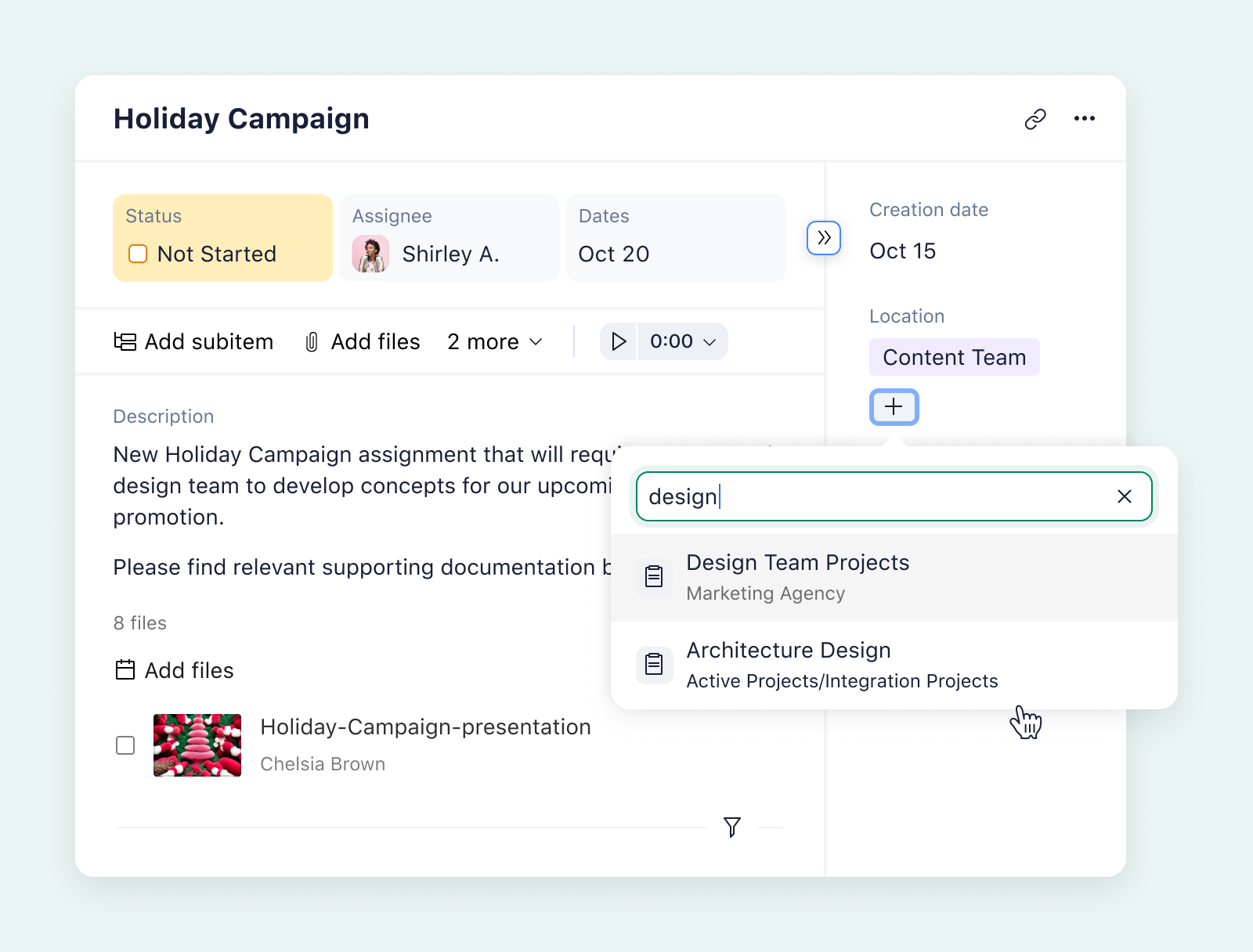
Taming the Chaos: Project Management for Creative Teams
Creative projects, by their nature, often involve a unique set of challenges: scattered requests, shifting priorities, endless feedback loops, and tight deadlines. These factors can quickly derail even the most talented creative teams, leading to lost momentum and underperformance. Project management software offers a lifeline, providing the structure and organization needed to thrive in this dynamic environment.
The right project management solution allows creative teams to centralize requests, streamline the approval process, and scale their workflows without sacrificing the flexibility and creative freedom that are essential to their work. But with a multitude of options available, how do you choose the tool that best fits your team's specific needs?
Key Features for Creative Project Management Software
When evaluating project management software for creative teams, consider these essential features:
- Automated Intake: A streamlined process for submitting and managing project requests is crucial. This ensures that all necessary information is captured upfront, reducing back-and-forth communication and delays.
- Centralized Approvals: Implement a clear and efficient approval workflow to keep projects moving forward. This includes features like automated notifications, version control, and audit trails.
- Customizable Projects: Every creative project is unique. Look for software that allows you to tailor project structures, workflows, and views to match the specific requirements of each project.
- Tool Integrations: Seamless integrations with other tools in your tech stack, such as Adobe Creative Cloud, Slack, and Google Workspace, are essential. These integrations minimize context switching, automate manual tasks, and improve overall efficiency.
- Personalized Visualizations: Creative teams often benefit from visual representations of project data. Look for software that offers a variety of visualization options, such as Gantt charts, Kanban boards, and calendars.
- Scalability: The tool should be able to grow with your team and handle an increasing number of clients and projects without sacrificing performance or usability.
Top Project Management Tools for Creative Teams
Here are some of the leading project management tools that cater to the specific needs of creative teams:
Wrike
Wrike is a robust platform known for its automation capabilities, scalability, and versatility. It's particularly well-suited for complex creative workflows, offering features like custom workflows, advanced reporting, and resource management.
Asana
Asana is a popular choice for its user-friendly interface and collaborative features. It offers a variety of project views, including lists, boards, and calendars, making it easy to visualize and manage tasks.
Monday.com
Monday.com is a highly customizable platform that allows you to build custom workflows and dashboards. Its visual interface and drag-and-drop functionality make it easy to manage projects and track progress.
Smartsheet
Smartsheet combines the familiar spreadsheet interface with project management features. It's a good option for teams that are comfortable with spreadsheets and need a tool that can handle complex data.
ClickUp
ClickUp is an all-in-one platform that offers a wide range of features, including task management, time tracking, and document collaboration. It's a highly customizable option that can be tailored to fit the needs of any creative team.
Trello
Trello, with its Kanban-style boards, is an easy-to-use and visual project management tool. Perfect for teams that thrive on visual organization and simple workflows, it allows for quick task assignment and tracking.
Other Notable Options
Other project management tools that creative teams may want to consider include:
- Workfront
- Hive
- Basecamp
- Teamwork
- Milanote
Choosing the Right Tool
The best project management software for your creative team will depend on your specific needs and priorities. Consider factors such as team size, project complexity, budget, and integration requirements when making your decision. By carefully evaluating your options and choosing a tool that aligns with your team's workflow, you can empower your creatives to focus on what they do best: creating amazing work.
Related Tools
Related Articles
Beyond Policy: How Wrike's 'Women of Wrike' Initiative Empowers Female Professionals
Wrike's 'Women of Wrike' (WoW) initiative is an employee-led program empowering female professionals through mentorship, workshops, and networking. WoW addresses challenges women face in career advancement, fostering a supportive environment and promoting equity within the company.
Bridging the Gap: Integrating Construction Project Management with QuickBooks for Financial Harmony
Integrating project management software with QuickBooks streamlines financial workflows, reduces errors, and enhances communication for construction teams. Key features to consider include job-level tracking, progress invoicing, and time-based labor cost allocation.
Wrike Streamlines Franchise Onboarding for Buzz Franchise Brands, Boosting Efficiency
Buzz Franchise Brands streamlined its franchise onboarding process using Wrike, transforming a fragmented, multi-platform system into efficient, centralized workflows. This resulted in significant time savings, improved task tracking, and enhanced visibility across teams, enabling the company to scale its franchise operations more effectively.