Asana vs. Monday.com: Choosing the Right Work Management Platform for Your Business
Asana and Monday.com are popular work management tools. This article dives into a detailed comparison to help you determine which platform best suits your team's needs.
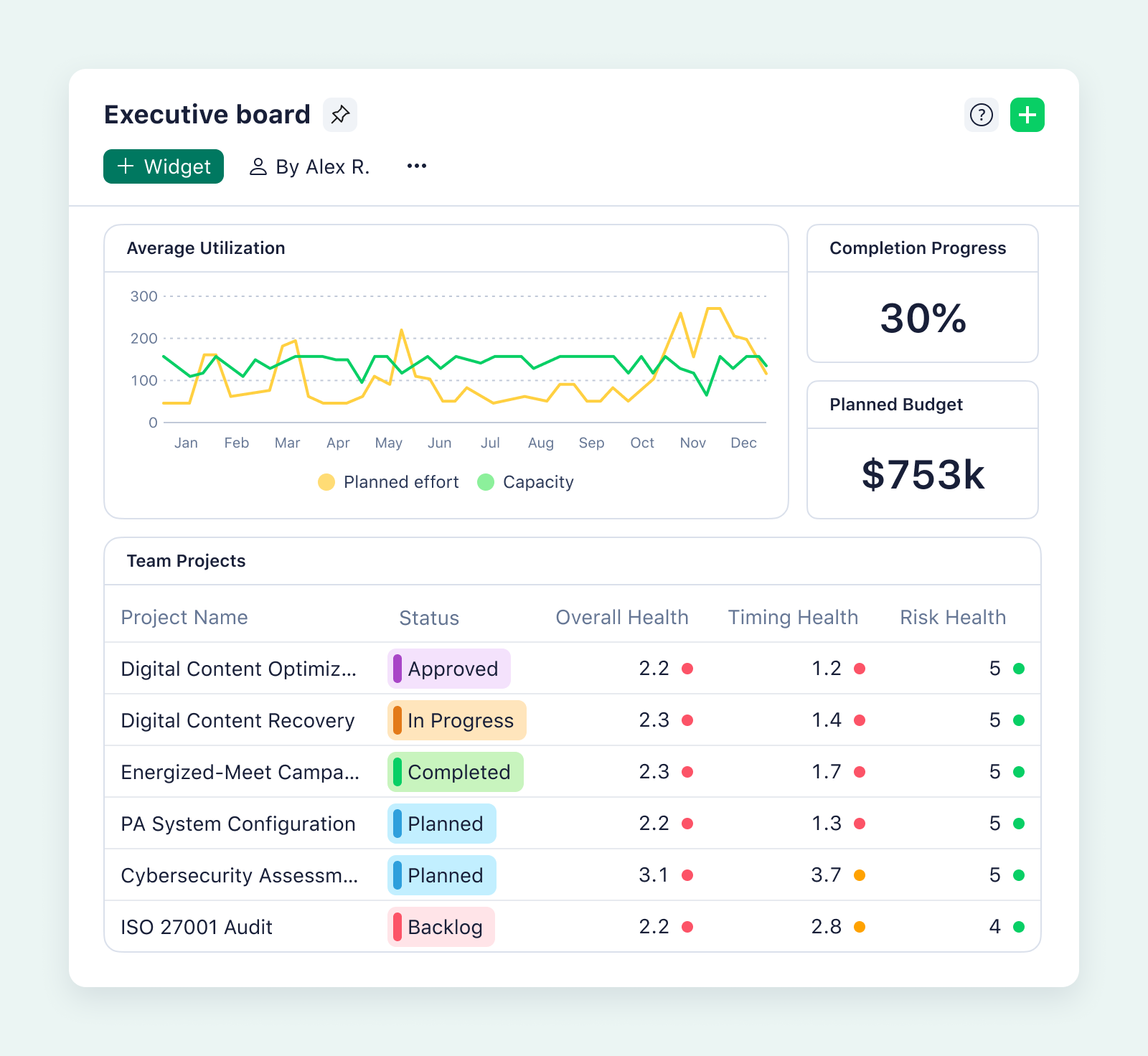
Selecting the right work management platform is crucial for team productivity and project success. Asana and Monday.com are two leading contenders, each offering a comprehensive suite of features designed to streamline workflows, enhance collaboration, and improve overall efficiency. But how do you decide which one best fits your organization's specific needs?
Key Differences in Visibility and Task Management
Both Asana and Monday.com excel at providing visibility into project tasks, but they approach it with distinct philosophies. Asana emphasizes flexibility, allowing users to customize task layouts and workflows to match their preferred style. You can visualize tasks in lists, boards, calendars, or Gantt charts, offering a tailored experience for different project types and team preferences.
Monday.com, on the other hand, leans into a spreadsheet-like interface. This familiar format can be immediately accessible for teams accustomed to managing data in rows and columns. While this approach offers a clear overview of project status, it might lack the visual flexibility that Asana provides.
Customization and Workspace Configuration
The ability to customize a workspace is paramount for adapting a platform to your unique organizational structure and project requirements. Asana shines in its adaptability, enabling users to create custom fields, define task dependencies, and establish tailored workflows. This level of granularity empowers teams to model their processes within the platform accurately.
Monday.com also offers customization options, allowing users to create custom columns, labels, and statuses. However, its customization capabilities might be perceived as less extensive compared to Asana's, especially for organizations with highly complex or specialized workflows.
Automation: Streamlining Repetitive Tasks
Automation is a game-changer for boosting efficiency and reducing manual effort. Both Asana and Monday.com provide rule-based automation at the project level, enabling users to automate repetitive tasks, such as assigning tasks, updating statuses, and sending notifications. These automations can significantly reduce administrative overhead and free up team members to focus on higher-value activities.
Reporting and Analytics: Gaining Insights into Performance
Robust reporting and analytics are essential for monitoring progress, identifying bottlenecks, and making data-driven decisions. Both platforms offer reporting capabilities, allowing users to track key metrics, generate reports, and visualize data. However, the depth and sophistication of these features can vary.
Asana provides a range of reporting options, including project overviews, workload reports, and custom dashboards. These tools enable users to gain insights into project performance, identify potential risks, and track team productivity.
Monday.com also offers reporting features, allowing users to create custom dashboards, track progress, and generate reports. Its visual dashboards can be particularly useful for presenting data in an easily digestible format.
Pricing Considerations
Pricing is a critical factor when choosing a work management platform. Both Asana and Monday.com offer tiered pricing plans, with costs varying based on the number of users and the features included. Understanding the pricing structures and comparing the value offered at each tier is essential for making an informed decision.
Asana's paid plans start at $10.99 per user per month (billed annually), while more advanced plans cost $24.99 per user per month (billed annually) or $30.49 per user per month (billed monthly). Monday.com's plans begin at $12 per user per month (billed annually) or $14 per user per month (billed monthly), with Pro plans priced at $19 per user per month (billed annually) or $24 per user per month (billed monthly). Both platforms offer free plans with limited features, suitable for small teams or individual users.
Who Are the Ideal Users?
Asana is often favored by small to mid-sized organizations that value flexibility and customization. Its adaptable interface and robust feature set make it well-suited for teams with diverse project needs and workflows.
Monday.com tends to resonate with mid-sized businesses seeking a visually intuitive and easy-to-adopt platform. Its spreadsheet-like interface and collaborative features can be particularly appealing to teams that prioritize transparency and communication.
Integration Capabilities
Seamless integration with other tools and systems is crucial for creating a connected and efficient work environment. Both Asana and Monday.com offer extensive integration capabilities, supporting over 200 integrations each. These integrations enable users to connect their work management platform with other essential tools, such as email, calendar, file storage, and communication apps.
Making the Right Choice
Ultimately, the best work management platform depends on your organization's unique needs, priorities, and preferences. Consider factors such as team size, project complexity, budget constraints, and desired level of customization when evaluating Asana and Monday.com. By carefully assessing your requirements and comparing the features and pricing of each platform, you can make an informed decision and select the tool that will empower your team to achieve its goals.
Related Tools
Related Articles
Beyond Policy: How Wrike's 'Women of Wrike' Initiative Empowers Female Professionals
Wrike's 'Women of Wrike' (WoW) initiative is an employee-led program empowering female professionals through mentorship, workshops, and networking. WoW addresses challenges women face in career advancement, fostering a supportive environment and promoting equity within the company.
Bridging the Gap: Integrating Construction Project Management with QuickBooks for Financial Harmony
Integrating project management software with QuickBooks streamlines financial workflows, reduces errors, and enhances communication for construction teams. Key features to consider include job-level tracking, progress invoicing, and time-based labor cost allocation.
Wrike Streamlines Franchise Onboarding for Buzz Franchise Brands, Boosting Efficiency
Buzz Franchise Brands streamlined its franchise onboarding process using Wrike, transforming a fragmented, multi-platform system into efficient, centralized workflows. This resulted in significant time savings, improved task tracking, and enhanced visibility across teams, enabling the company to scale its franchise operations more effectively.